curated-closet-logo

How to Create a Fashion Challenge on the Curated App


With the Curated App, turning your idea into an exciting challenge has never been easier! Create a themed competition, engage with your community and inspire creativity among participants. Plus, as the host, you get to crown the winner! 🎉

Getting started is simple. Once you’re logged into the app, follow these easy steps and you’ll have created your first challenge in no time!

Step 1: Tap on the "plus" icon on the bottom right

1

Step 2: Tap on the "create post" button

2

Step 3: Tap on the 'challenge' tab at the top of the screen

3
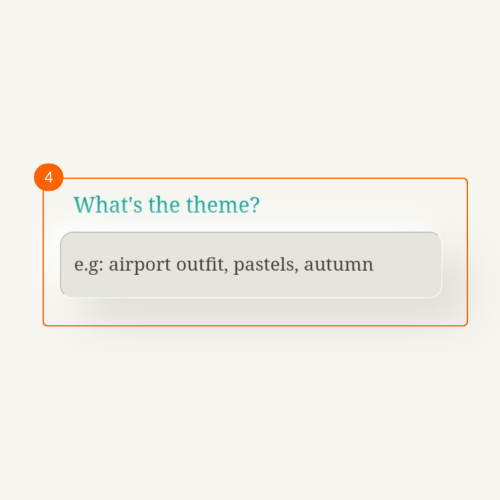
Step 4: Give your challenge a theme name
4
Step 5: Give instructions to participants
5
Step 6: Any instructions or guidelines for participants?
6
Step 7: Your fashion challenge is ready to posted
7

Want to take your style to the next level?

The Curated app helps you organise, plan and create outfits on the go. Download now on Play Store and App Stores. It’s free!

download-on-the-app-store
download-on-google-play