
How to build a capsule wardrobe in Curated
Good to know
- A capsule is made of outfits, so it helps to have a few created first. You'll find how in How to create an outfit in Curated.
- If you'd like Curated AI to fill a capsule for you, you'll need at least 11 outfits to start with.
- Deleting a capsule, or taking outfits out of a capsule, doesn't delete the outfits themselves.
- A capsule's season and occasion cannot be changed after creation. Create a new capsule to use different ones.
Step by step
Start a new capsule
Tap Wardrobe (the hanger icon), then the capsules tab, then the round teal button.
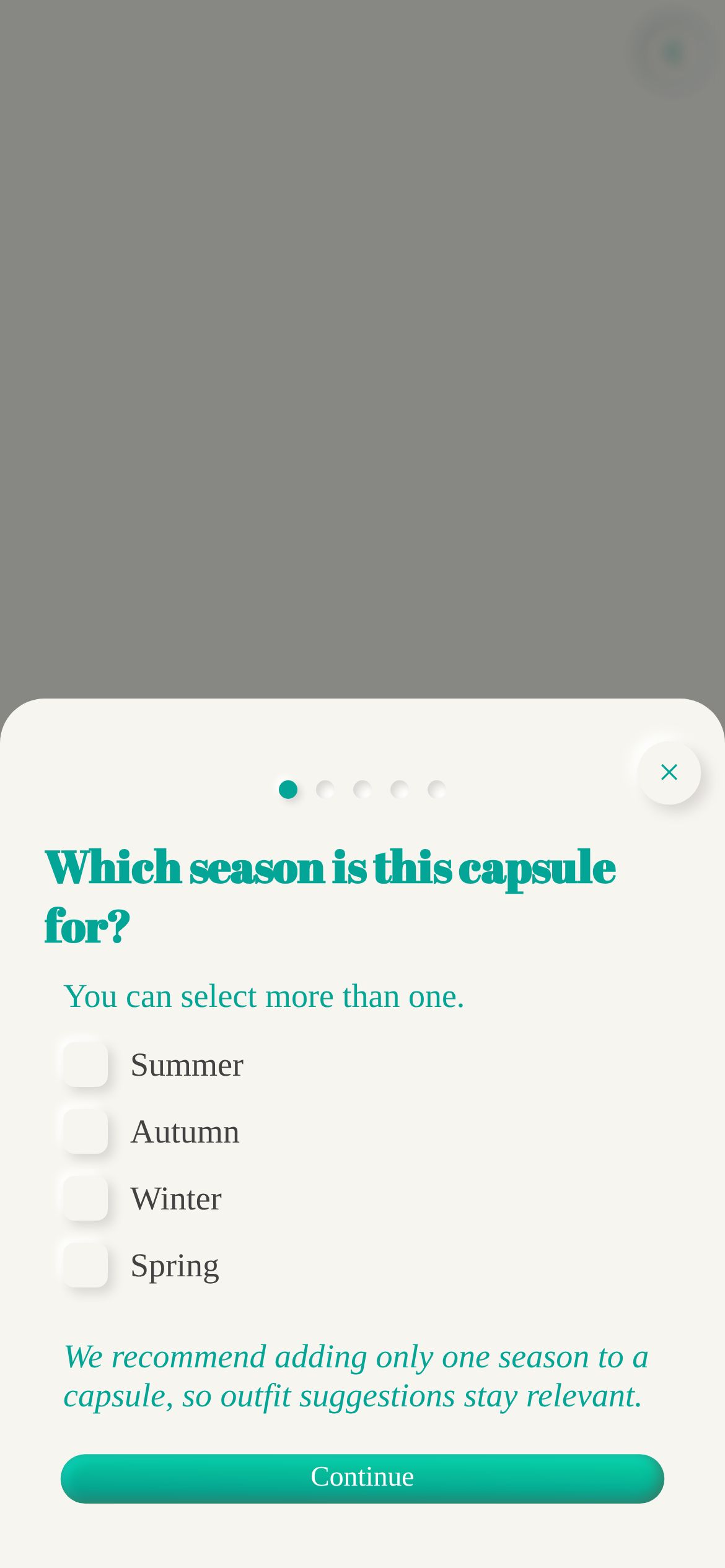
Choose a season for your capsule.
Under Which season is this capsule for?, tick Summer, Autumn, Winter or Spring, and tap Continue. One season works best, but you can choose several.
Choose where you'll wear it
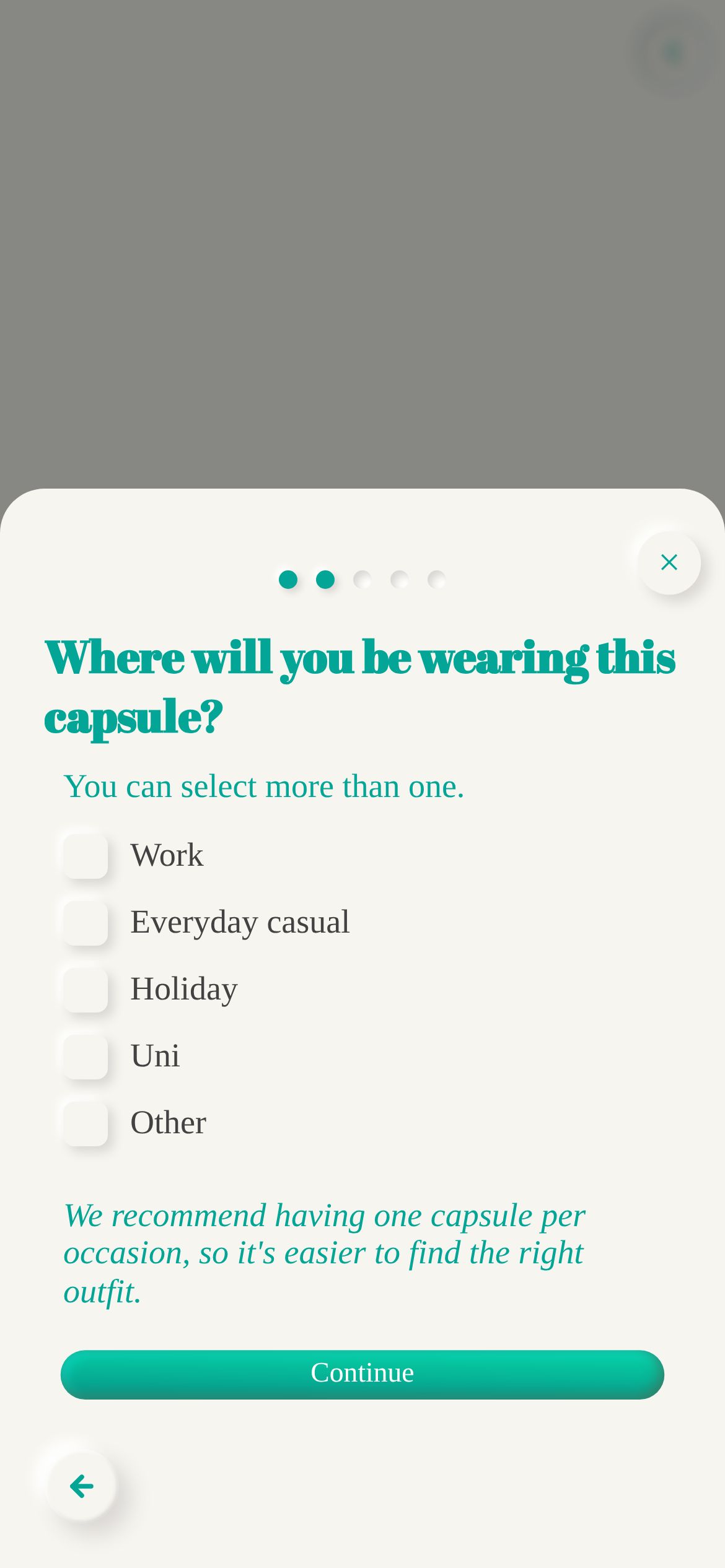
Under Where will you be wearing this capsule?, tick an occasion such as Work or Everyday casual, and tap Continue.
Pick your colours, or skip
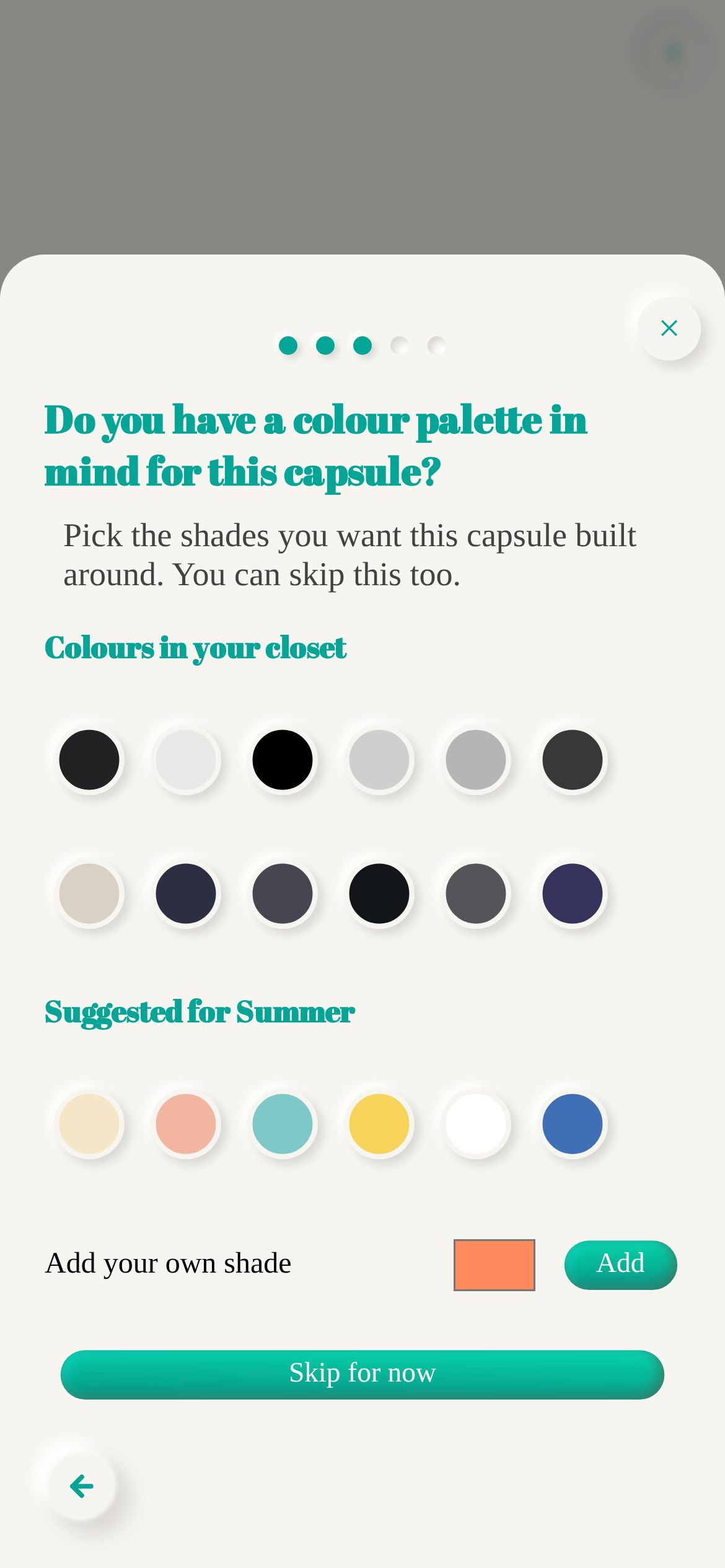
Tap colours from Colours in your closet or the seasonal suggestions, or tap Add your own shade. Tap Continue, or Skip for now.
Name it
Tap a suggested name or write your own, and tap Continue.
Fill it
Tap Add outfits to choose outfits yourself, or Let AI add outfits to your capsule to have Curated pick 8 for you.


Common questions
Can Curated fill my capsule for me?
Yes. Let AI add outfits to your capsule adds up to 8 of your outfits that suit the season, occasion and colours you chose. It only uses outfits you’ve already made, and you can take any of them out afterwards.
What if I pick a colour I don’t own?
Curated tells you how many of your colours don’t exist in your closet yet. Use closest colours I own swaps them for the nearest colours you have. Add items lets you add clothes, and Shop helps you find something. Both of those leave the capsule steps, so you’d need to start the capsule again afterwards.
How do I add or remove outfits in a capsule?
On the capsule page, the plus icon next to the name adds outfits. You choose them and tap done. To take outfits out, a long-press on one lets you select it and any others, and the bin removes them straight away.
You can also add outfits from Wardrobe, then outfits, by selecting them and picking a capsule from the capsule icon.

What’s on the capsule page?
- Want to add in the colour panel on the left lists palette colours that aren’t in the capsule yet. In this capsule shows the colours it already has. + Add colours changes the palette.
- + Add a note is handy for remembering what it’s for, like “Paris, 5 days”.
- The pill tabs at the top switch between your capsules.
How do I rename or delete a capsule?
The icons next to the capsule’s name handle both. For a rename, the new name goes in before you tap Rename.
What does “AI needs at least 11 outfits” mean?
Curated needs at least 11 saved outfits to choose from. Create outfits helps you make more, or you can fill the capsule yourself with Add outfits.
What does “None of your outfits fit this capsule yet” mean?
Your outfits don’t suit the season or occasion. You can add some yourself, or make a few new outfits for it.
Checked against Curated 10.7 on 25 October 2026.